📅 May 2026 · ⏱ 9 min read · ✍️ TechnicalProMax
RSVP is printed on almost every wedding invitation ever made. Four letters. French origin. And somehow still capable of generating more confusion than the entire seating chart combined.
Most people think they know what it means — until paper reply cards come back water-damaged from the post, or a guest “forgets” to send theirs and you are still chasing headcounts nine days before the wedding.
This guide covers exactly what RSVP means on a wedding card, where the phrase came from, what belongs on a proper reply card, how the wording should read — and why the smartest couples in 2026 are dropping paper reply cards entirely in favour of invitation websites where RSVP is built directly into the page.
Where Does RSVP Come From?
RSVP is an abbreviation of the French phrase Répondez s’il vous plaît — which translates literally to “please reply.” It entered English-language etiquette through the influence of French formal correspondence in the 18th and 19th centuries, when French was the dominant language of European diplomacy and upper-class social exchange.
📌 Quick Fact
“Répondez s’il vous plaît” carries a softness the English translation loses entirely. Guests aren’t being told to reply. They’re being asked, graciously, if they wouldn’t mind.
In plain English, RSVP on a wedding card means: let us know whether or not you are coming. A yes and a no are both valid responses. The problem — and any wedding planner will confirm this without prompting — is that a significant number of guests interpret RSVP as “reply only if you’re coming.” Which leaves couples with a permanently incomplete headcount.
What Should Actually Be on a Wedding RSVP Card?
A well-designed reply card isn’t just a blank slip. Done properly, it collects everything you need to plan a reception without following up individually with every guest. Here is what a complete RSVP card should capture:
🔧 Developer Insight
When we designed the RSVP form inside our wedding templates, we deliberately stripped it back to five fields: first name, last name, email, attendance, and a message box. Research into form abandonment consistently shows that every additional field reduces submission rates by roughly 10–15%. Most couples only need the name and whether the guest is coming. Everything else is a nice-to-have that you end up chasing anyway.
RSVP Wording That Actually Works — 8 Examples
The phrasing on an RSVP card carries more weight than most couples realise. Too formal and it reads like a legal document. Too casual and guests don’t take the deadline seriously. Here are eight wording options from traditional to contemporary — all used on real wedding stationery.
Traditional · Formal
“M _______ accepts with pleasure / declines with regrets. Kindly reply before 1st October.”
Classic British phrasing. Works beautifully for black-tie or country house weddings.
Modern · Warm
“Will you be joining us? ☐ Joyfully accepts ☐ Regretfully declines. Please reply by 15th September.”
The most commonly used wording in contemporary UK and US weddings.
Playful · Relaxed
“Will you be there? ☐ Absolutely! ☐ Sadly, no. Meal: ☐ Beef ☐ Fish ☐ Veggie”
Works for outdoor, informal, or festival-style weddings where the tone is celebratory.
Digital · With URL
“Please RSVP at: technicalpromax.space/jamesandanna — Reply by 20th September.”
The cleanest option when you have a wedding website with built-in RSVP. No postage, no lost cards.
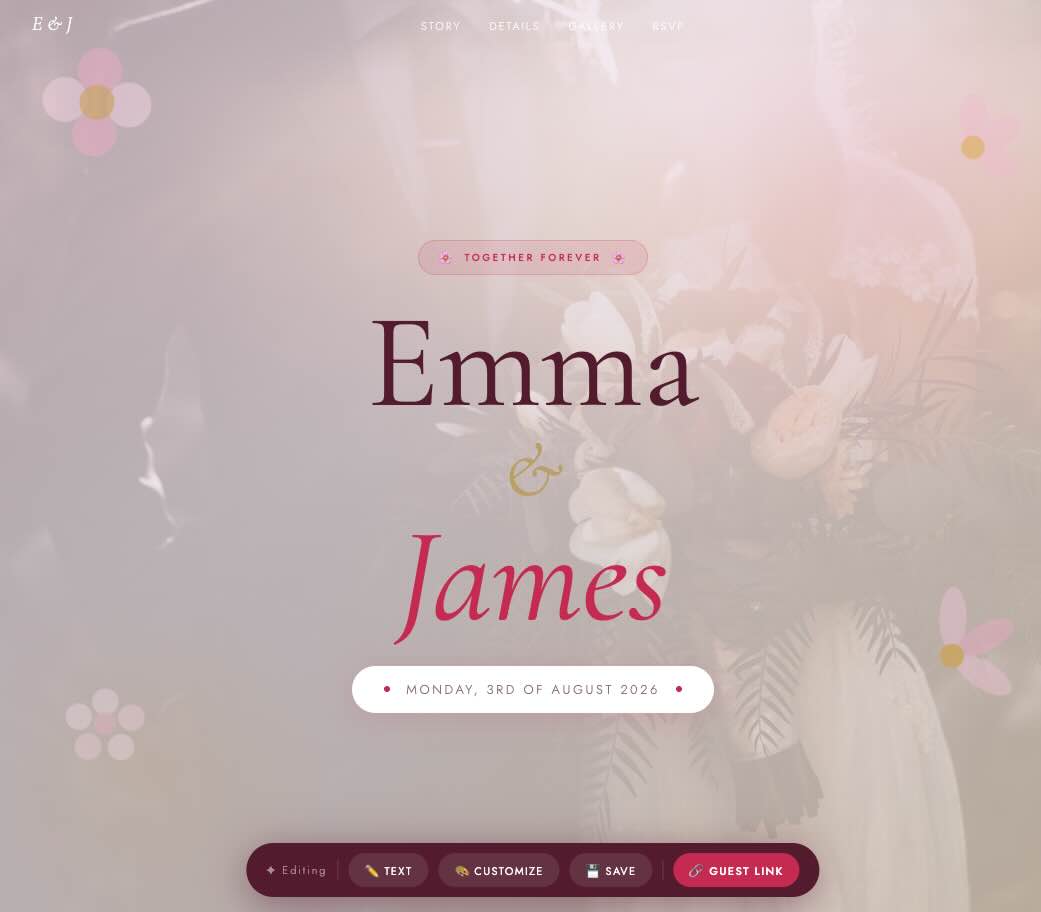
Live Template — Available on Etsy
Bloom Wedding
with Built-in RSVP
No paper cards. No Google Forms. Guests RSVP on your page, you get an email instantly. Personal URL, editable anytime, lifetime access.
Buy on Etsy →
Why Paper RSVP Cards Are Quietly Breaking Down
Paper reply cards were the only option for most of the 20th century — and when postal systems were reliable and guest lists were smaller, they worked. In 2026, they carry a set of friction points that most couples only discover once they’re already managing them.
⚠️ The Real Problems with Paper RSVP Cards
Lost in the post. A consistent 1–3% of first-class mail doesn’t arrive. For a 150-person wedding, that’s 3–5 reply cards that simply disappear.
Guests forget to post them. A card on a kitchen counter requires proactive action. Most people intend to post it. Most don’t get around to it.
Illegible handwriting. Every wedding gets two or three reply cards where the name is genuinely unreadable.
You still chase people anyway. Even with paper cards, couples typically follow up with 20–40% of guests individually by phone or message.
The cost adds up. A set of 80 reply cards with envelopes costs £40–£120. Add return postage and it’s closer to £160 for a 160-person wedding.
What a Built-in Digital RSVP Actually Changes
“Digital RSVP” means different things depending on who is selling it. A Google Form embedded in a page is technically digital. A Typeform with a custom redirect is technically digital. Both work — but both require guests to leave the invitation, open a second platform, and submit through a service the couple doesn’t control.
What we built into our wedding templates works differently. The RSVP form lives on the same page as the invitation. Guests don’t leave the page. They scroll down, fill in their name, choose their attendance, and click submit. The response is sent by PHP directly to the email address the couple entered in their editor settings. It’s also saved to a file on the server — so even if an email goes to spam, the data isn’t lost.
🔧 How the Technical Stack Works
Each wedding template is a server-rendered PHP page sitting at a custom project slug — something like technicalpromax.space/jamesandanna. The RSVP form submits via JavaScript’s Fetch API to a rsvp.php endpoint. That endpoint validates the honeypot field (to catch bots), sanitises inputs, fires a PHP mail() to the configured address, and writes the submission to the project’s JSON file as a backup. The whole round-trip completes in under 200ms on a standard shared host. No third-party service touches the data.
How Our Wedding RSVP System Works — Step by Step
Buy the template on Etsy
Purchase through Etsy — a platform both buyers and sellers already trust. You receive a PDF with your private access code immediately after checkout. Etsy handles the payment; the template itself is already live on our server waiting for you.
Create your personal URL
Go to the template page, enter your code, and type your project name — jamesandanna or thesmiths2026. Your URL is live in about 20 seconds.
Enter your RSVP email address
Inside the Customize panel there is a single field: RSVP Email. Whatever address you type here is where all guest submissions will land. You can use a personal Gmail, a wedding-specific email, or a shared address with your partner. You can change it any time.
Share your link — guests RSVP on the page
Share your URL by text, WhatsApp, email, or print it on your physical invitation with a QR code. The guest scrolls to the RSVP section, fills in their details, and submits — all on the same page. No redirect. No new tab. No account.
You get an email notification instantly
The notification arrives within seconds. It includes the guest’s name, email, attendance choice, number of guests, and any message they left. Every response is also stored in the project’s data file — accessible any time, even if an email slips into spam.
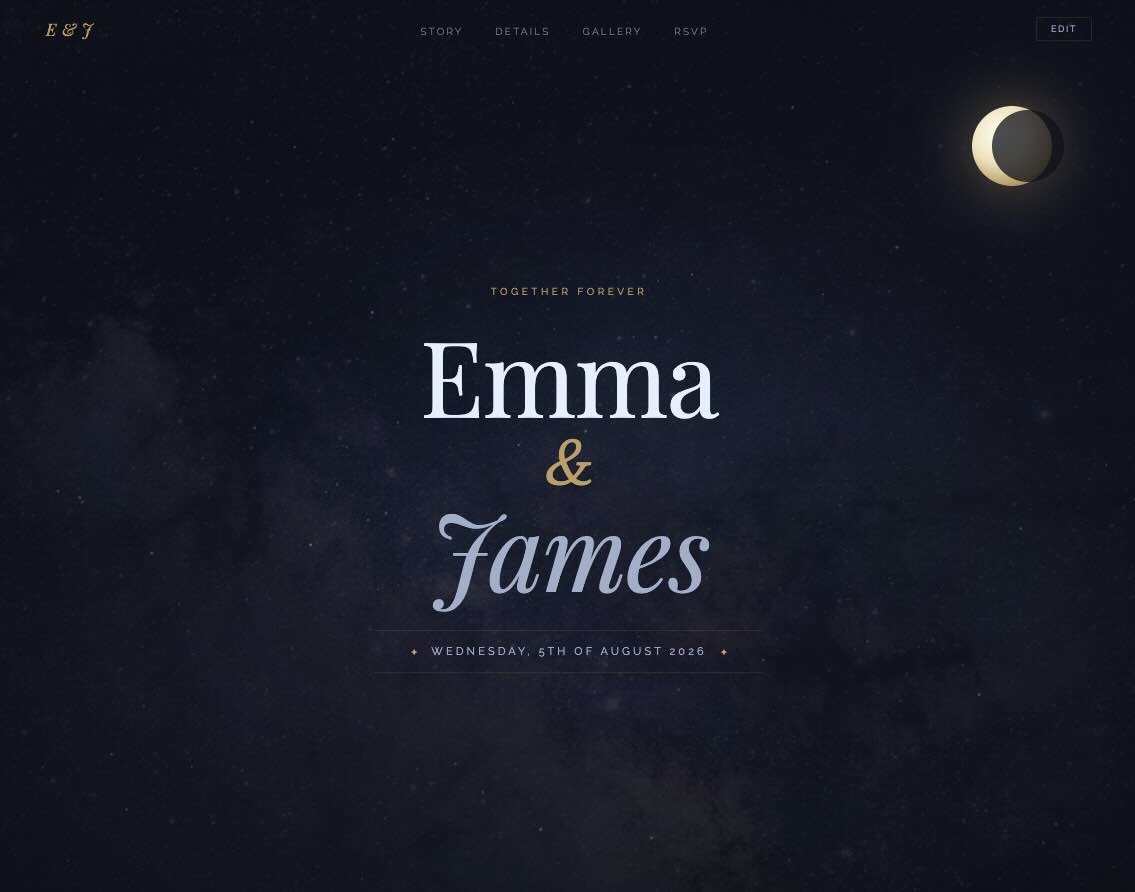
Also Available
Night Sky Wedding Template
Animated stars, glowing moon, gold accents — and the same built-in RSVP system.
View on Etsy →
Why Canva Templates Can’t Do This
Canva is a good design tool. We want to say that clearly before explaining why it is the wrong tool for this job. Canva excels at static design — posters, presentations, social graphics. It is not a hosting platform, and trying to use it as one creates a specific set of risks that most couples only discover after they have already shared their link.
| Feature | TechnicalProMax | Canva Template |
|---|---|---|
| Built-in RSVP form | ✓ Native — guests submit on your page | ✗ Requires separate Google Form |
| Personal URL with your names | ✓ /jamesandanna (you choose) | ✗ canva.site/randomstring |
| Account required | ✓ None — just a browser | ✗ Canva account required |
| Subscription risk | ✓ One payment, permanent hosting | ✗ Canva’s free plan has changed before |
| RSVP data backup | ✓ Stored on our server automatically | ✗ Lives in your form tool separately |
| Edit after sharing | ✓ Unlimited — same URL always works | ~ Only while Canva account is active |
🧑💻 From Experience Building These
The RSVP problem isn’t a Canva problem specifically — it’s a category problem. Any template that lives inside a third-party platform inherits that platform’s limitations. Canva’s free plan has been modified several times. Squarespace changed their pricing structure. Wix removed features from legacy accounts. When you host a wedding page on your own domain with a purpose-built RSVP system, none of those platform decisions affect your invitation. The page is yours. It doesn’t depend on anyone else’s business model staying the same.
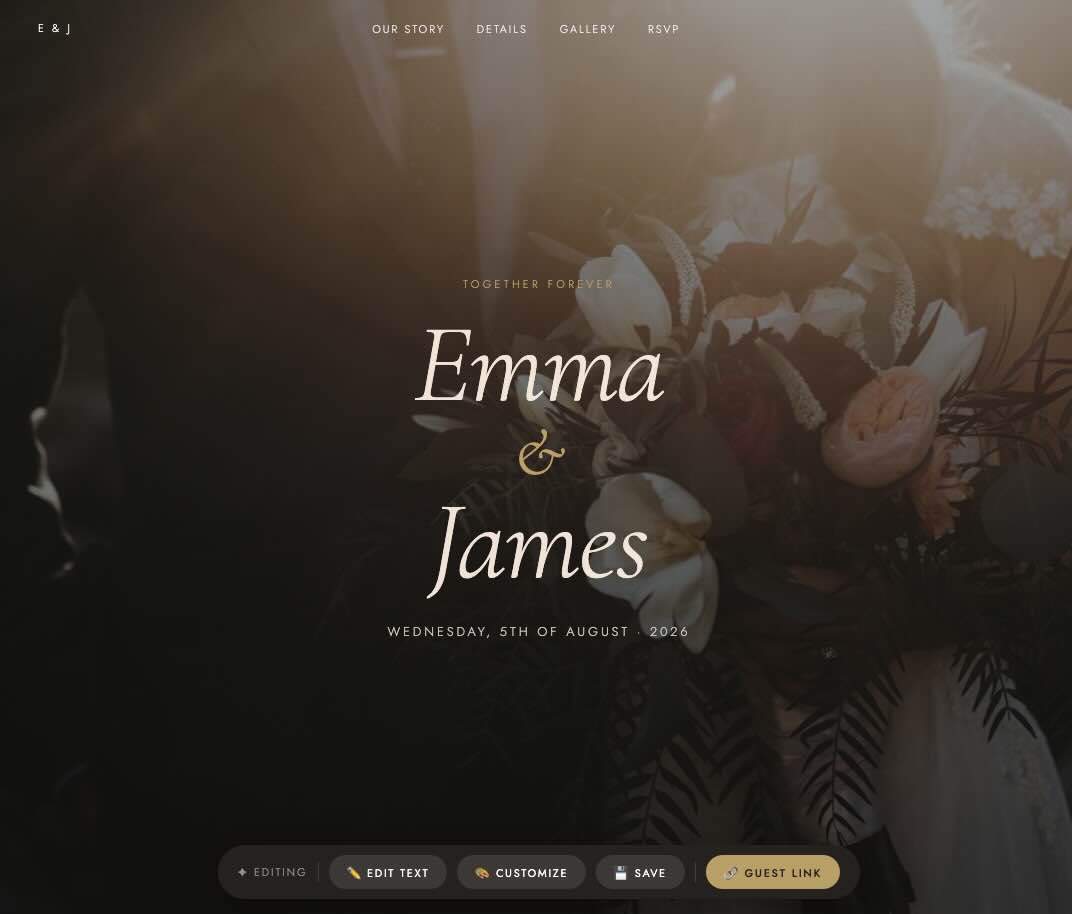
Classic & Timeless
Classic Elegance Wedding Template
Ivory tones, serif typography, built-in RSVP. For couples who want something that will feel timeless in twenty years.
View on Etsy →
Setting the Right RSVP Deadline
Most guides will tell you “6–8 weeks before the wedding.” That number comes from catering industry minimum lead times — the point at which most venues need confirmed numbers to finalise their ordering and staffing. But the date you put on the card and the date you actually need the information are two different numbers.
📅 How to Calculate Your Real Deadlines
Step 1: Call your caterer. Ask for the exact date they need confirmed numbers. This is usually 2–4 weeks before the wedding.
Step 2: Subtract 7 days. You need a week to chase the people who haven’t replied by the deadline.
Step 3: Subtract 3–5 more days. People almost always reply late. Build in a buffer before your actual deadline.
Example: Wedding 20th September · Caterer needs numbers by 5th September · Your real deadline is 29th August · Put “Please reply by 24th August” on the card.
With a digital RSVP page, one additional thing becomes possible that paper cards cannot offer: you can see exactly who has and hasn’t replied at any point, in real time. Every submission is timestamped and stored. If it’s two days past the deadline and you have twelve non-responders, you know precisely who they are. You can target your follow-up instead of messaging everyone.
Frequently Asked Questions
The questions couples actually search for — answered without filler.